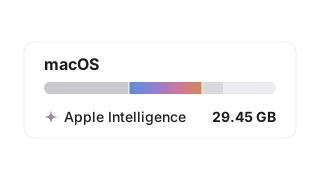
Apple Intelligence Storage on Mac: Why It Takes 20–30 GB
macOS 27 downloads Apple’s AI models by itself, often 20 to 30 GB of them. How to check yours, why you can’t switch them off, and where to win the space back. 6 min read.
Guides to Mac storage, and the occasional story from building a disk analyzer, from an indie developer.
macOS 27 downloads Apple’s AI models by itself, often 20 to 30 GB of them. How to check yours, why you can’t switch them off, and where to win the space back. 6 min read.
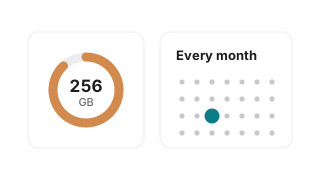
A 256 GB Mac fills up a few gigabytes at a time, out of sight. A short monthly look at what is growing, the Apple settings that help, and where finished work should live. 7 min read.
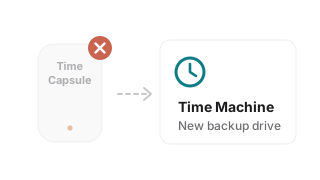
macOS 27 no longer backs up to an AirPort Time Capsule. What Apple says to use instead, how to set up a new Time Machine drive, and what to check before it is erased. 6 min read.
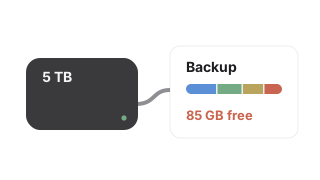
Your USB drive or SSD is full and Finder will not say why. How to see everything on it in one picture, clear it safely, and why the space only comes back once the Trash is emptied. 7 min read.
The files you forgot about are the hardest to find. How to see what on your Mac is both big and untouched for years, what the dates really mean, and how to clear it safely. 8 min read.
Macworld liked a lot about Klarity Disk and found a real bug that stopped it deleting apps. What the review got right, what Klarity 1.3 changed because of it, and what came next. 6 min read.
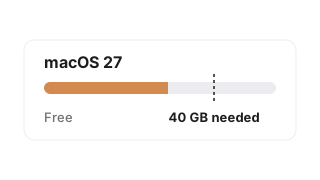
Software Update says there is not enough free space and every site quotes a different number. What macOS 27 Golden Gate really needs, why Storage settings and the installer disagree, and how to find 40 GB in one scan. 7 min read.
Thirty gigabytes vanish overnight and Storage settings shows a grey bar you cannot click into. The problem is not a shortage of advice, it is a shortage of sight — here is how to see the whole disk and recognise what got big. 6 min read.

Move to Trash works everywhere in 1.3. Why an App Store app cannot reach your files until you point at them, why the folder picker is worth trusting, what one permission per drive changed. 5 min read.
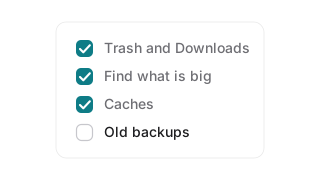
Six steps ordered from safest to least safe: Trash and Downloads, finding what is actually big, caches and System Data, uninstalling properly, old device backups, and what to leave alone. 8 min read.
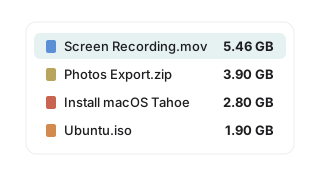
Finder list view, a Finder search by size, and a treemap disk analyzer, compared honestly. Plus the seven folders where the space usually hides. 6 min read.
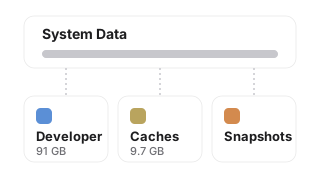
macOS lumps caches, logs, Xcode data and snapshots into one grey bar and tells you nothing else. Here's what is actually inside System Data, how to look at it yourself, and which parts are safe to delete. 6 min read.
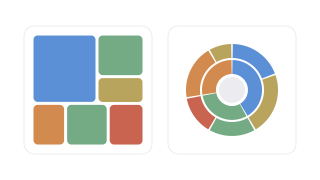
Sunburst charts look beautiful but hide small files. Why treemap and icicle views find space hogs faster on a Mac, with the perception research behind it.
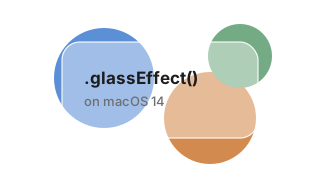
Apple's Liquid Glass is beautiful, but .glassEffect() requires macOS Tahoe. Here's what it takes to build a convincing glass design system from scratch using only SwiftUI primitives on macOS 14+.

The treemap visualization I wanted didn't exist on macOS. So I built it myself. Here's the story of going from a side project to the Mac App Store.