Press & Coverage
Maintained by Mukul Mehra, the developer of Klarity Disk · 30 September 2026
Klarity Disk is a one-person app, so this page is short and it is accurate. Everything below either happened or is a fact about the app. There are no awards to list, and I would rather say that plainly than pad the page out.
Reviews
Macworld
Chris Barylick reviewed Klarity Disk for Macworld on 13 April 2026. It gave version 1.1 four out of five stars. The review was warm about several things: how much of the app you can customise through its settings, the RAM and process measurement tools, the low one-time price against what similar utilities charge, and the look of the interface across its six themes.
It was also blunt about a real problem. The verdict said the app was:
“held back by permissions bug” — Chris Barylick, Macworld, 13 April 2026
That bug was a sandbox problem: the version reviewed could not reliably move an application to the Trash, because the permission it had been granted did not extend to where the app actually lived. It is a fair criticism and I am not going to argue with it. Version 1.3, released on 10 September 2026, is built around fixing exactly that. It asks for disk access once per volume through Apple’s own folder picker and keeps it, and deletion goes through a Trash step that asks before it moves anything. Whether that fully settles the complaint is for a reviewer to judge, not me. I wrote up what the Macworld review changed.
I am not claiming the review recommended the app. Read it and decide for yourself.
Elsewhere
- Hacker News — Show HN: Klarity Disk – A $6.99 DaisyDisk Alternative for Mac, the launch thread.
- Reddit, r/MacOSApps — I built a DaisyDisk alternative for $6.99 — Klarity Disk, the launch thread there.
- Indie Hackers — I keep a KlarityDisk build board with progress notes, though I have not linked it here because I do not want to point you at a URL I have not checked.
The facts
- Name: Klarity Disk
- Requires: macOS 14.6 or later
- Price: $6.99, one time. No subscription, no in-app purchases.
- Mac App Store: apps.apple.com/app/id6758895498 (App Store id 6758895498)
- Developer: Mukul Mehra — solo developer, based in India
- First released: 13 February 2026
- Current version: 1.3.1, released 2 October 2026.
- Privacy: no network access at all, no accounts, no analytics.
Press kit
These are the same assets the site uses. Right-click and save whichever you need; no permission required for editorial use.
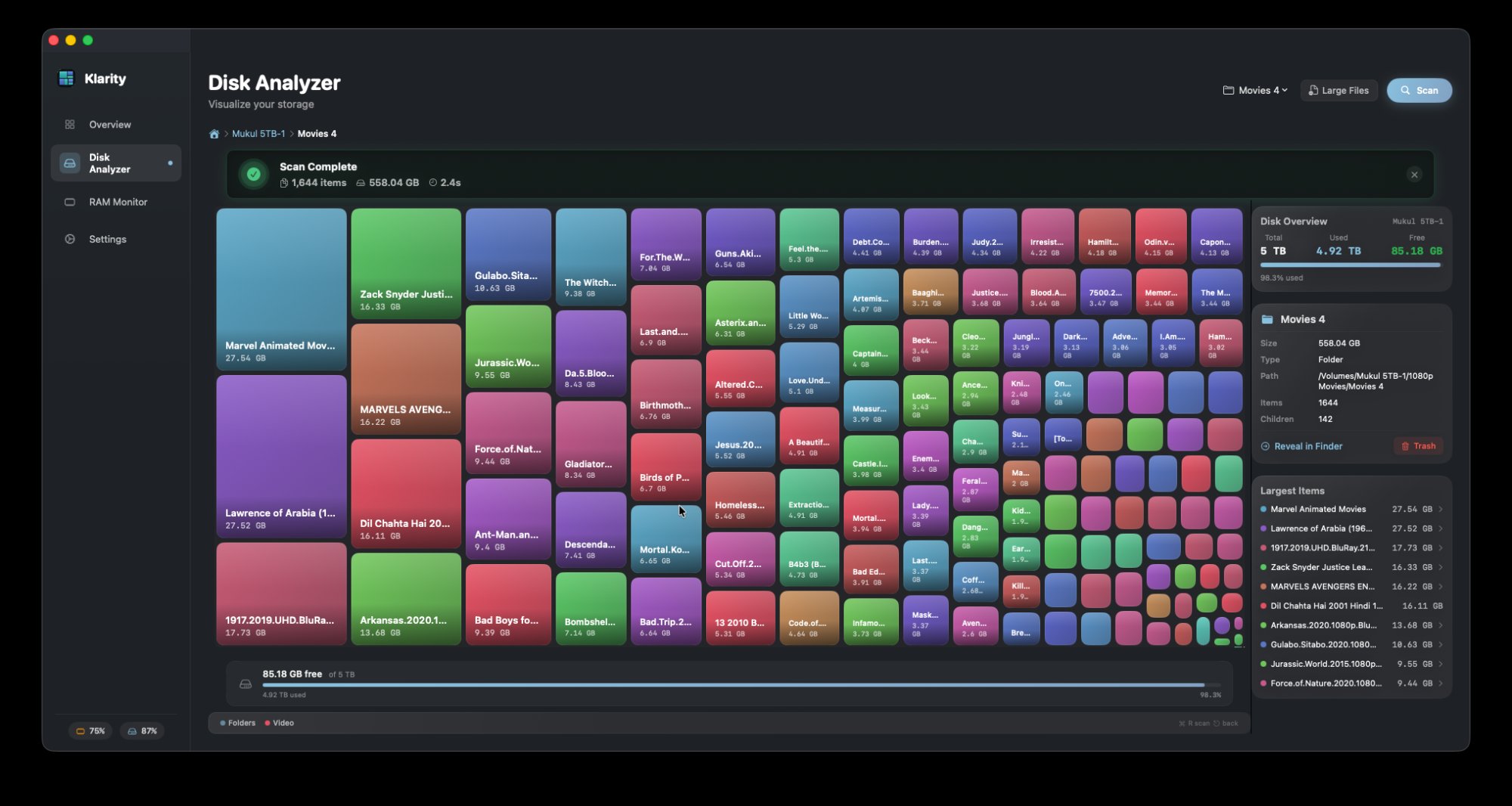
- Treemap view — the main disk map
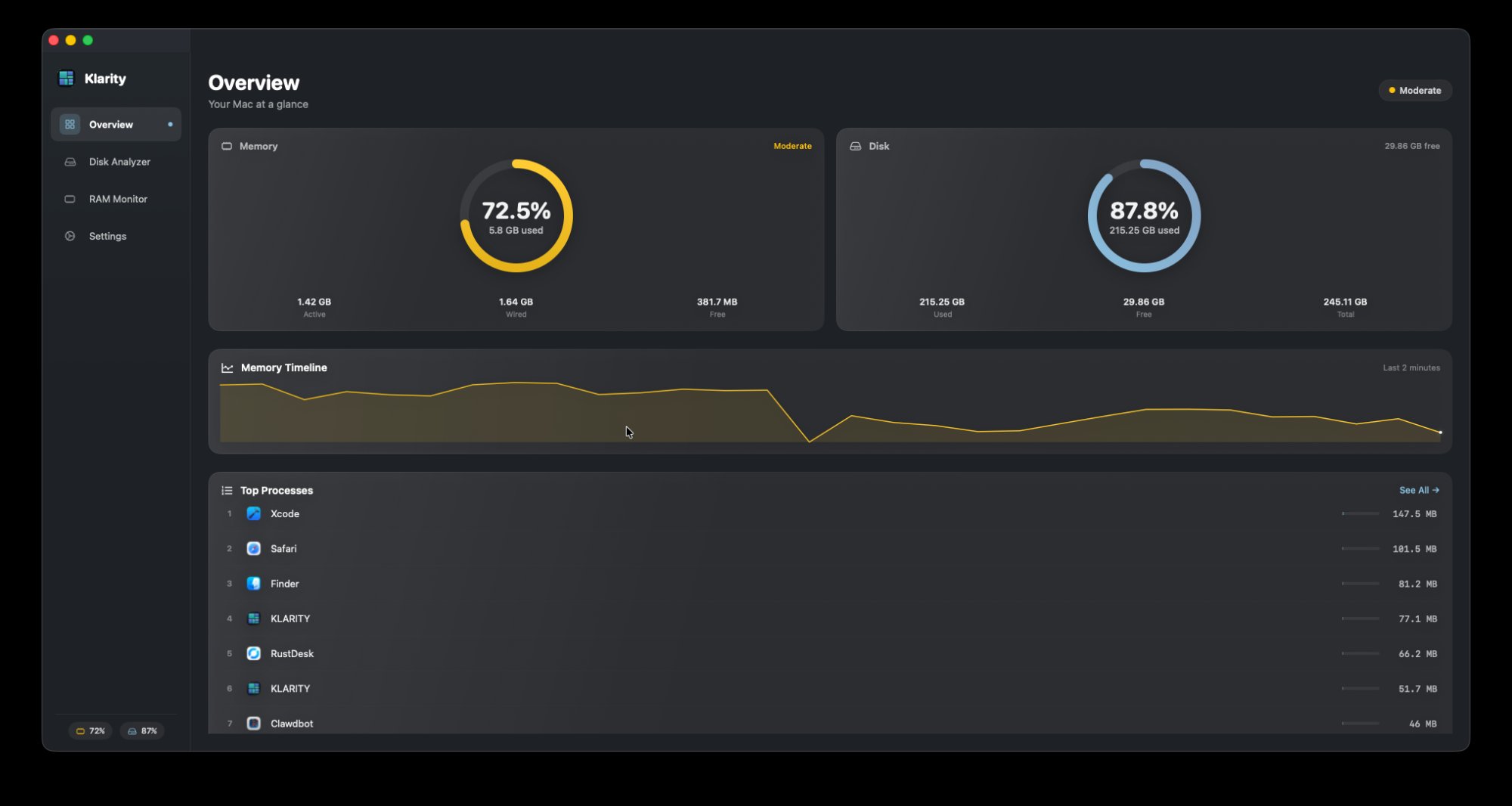
- Overview — the scan summary
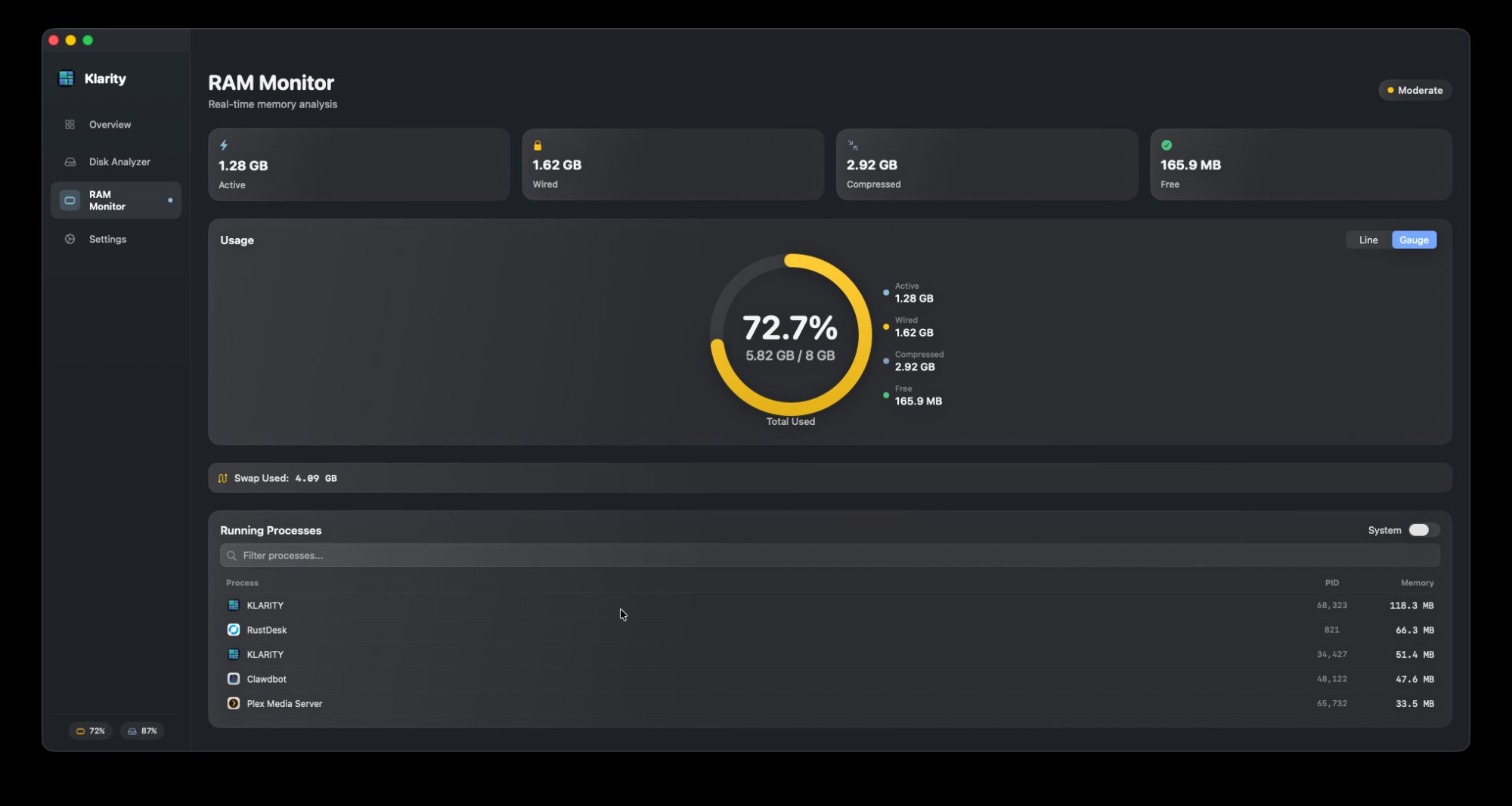
- RAM and processes
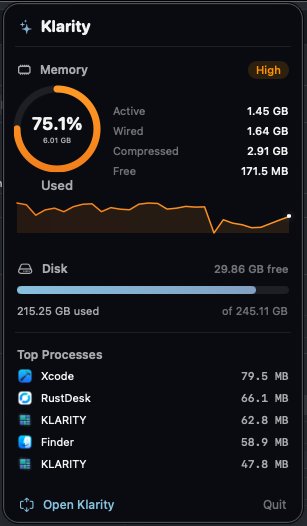
- Menu bar readout
- App icon (180×180 PNG)
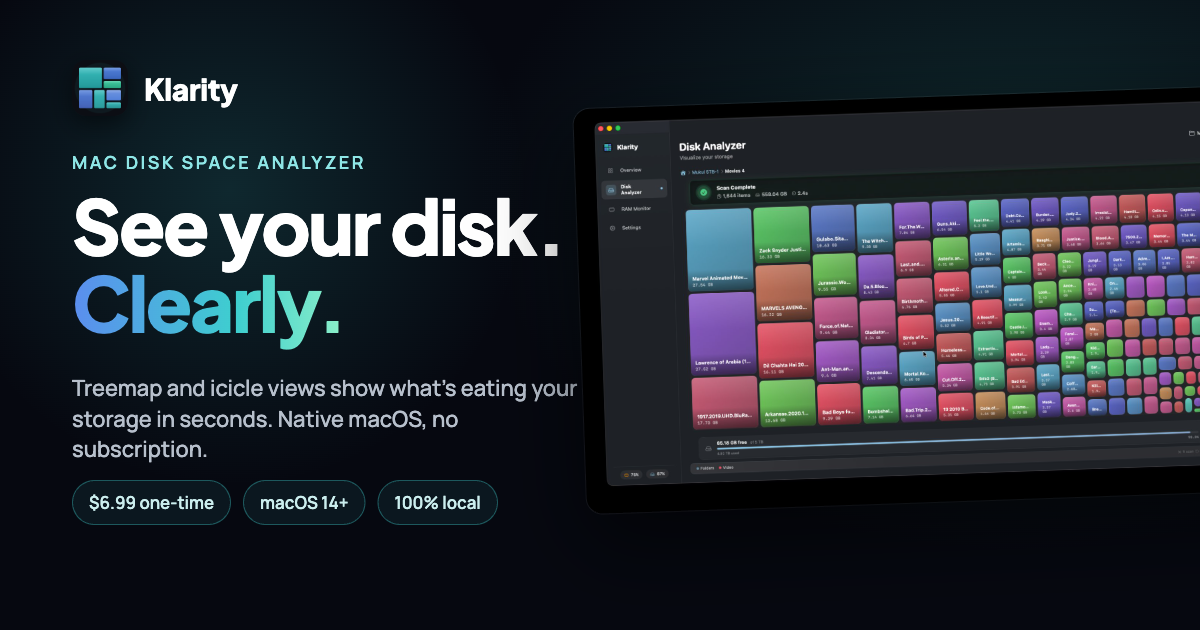
- Social card image
Boilerplate you can copy
Klarity Disk is a $6.99 disk analyser and memory monitor for macOS 14.6 and later. It scans a drive and draws what is on it as a treemap and an icicle chart, so the folders eating the most space are the biggest rectangles on screen, and it can colour the map by file age to show what is both large and long untouched. It also reports RAM pressure and the processes using it from the menu bar. Deletions move to the Trash only after you confirm, and never empty it. The app has no network access whatsoever — enforced by the macOS sandbox rather than promised in a policy — no accounts, and no analytics. It is written and supported by one person, Mukul Mehra.
If you are reviewing the app and would like a promo code, ask through the support page and I will send one.
Get in touch
Questions, review copies, corrections to this page — all of it goes through the support page. I answer my own mail, usually within a day.